

Web Development2026-06-24
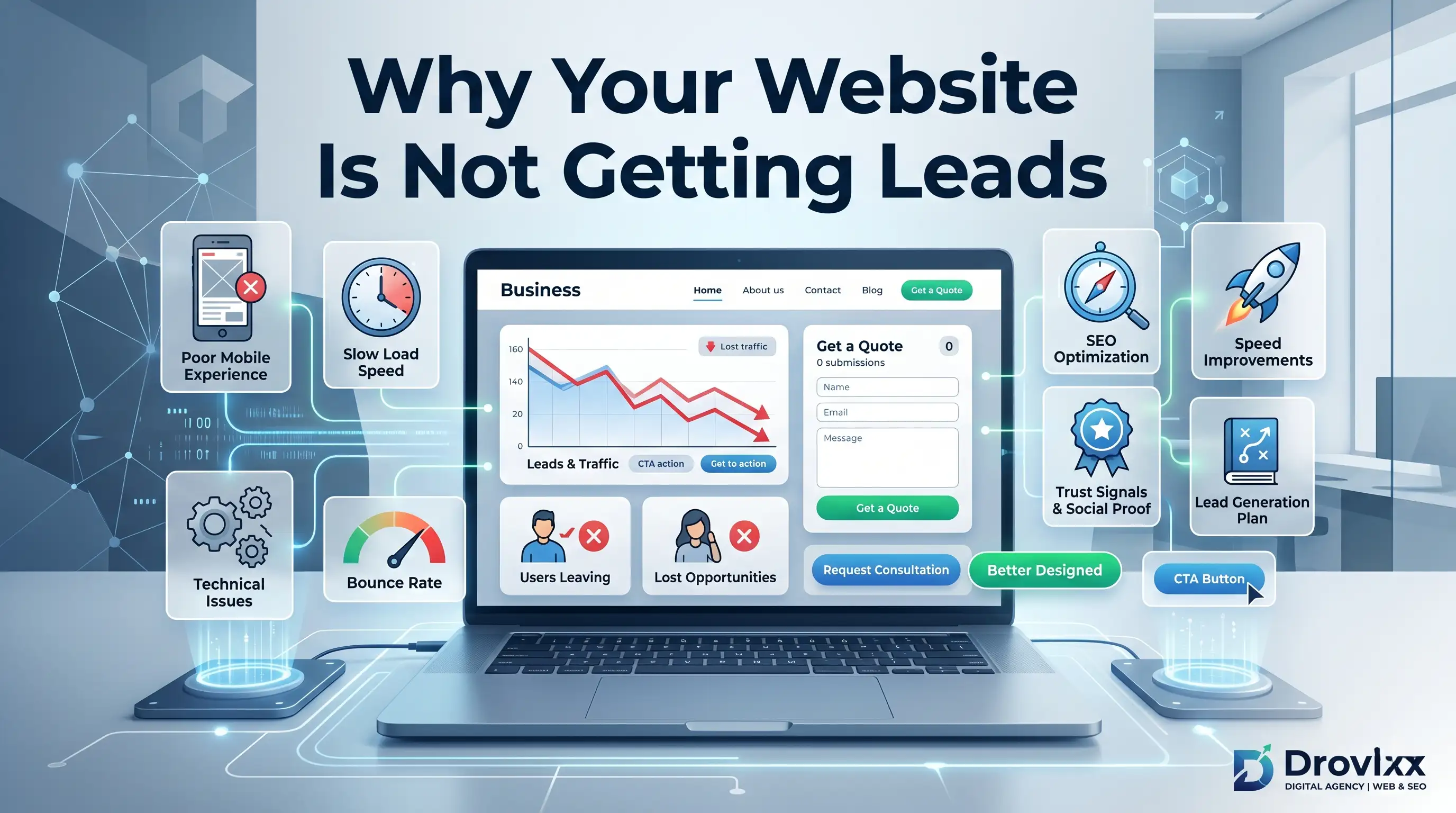
Why Your Website Is Not Getting Leads
Discover why your website is not getting leads or enquiries, and learn practical fixes that turn visitors into customers.
Read Article →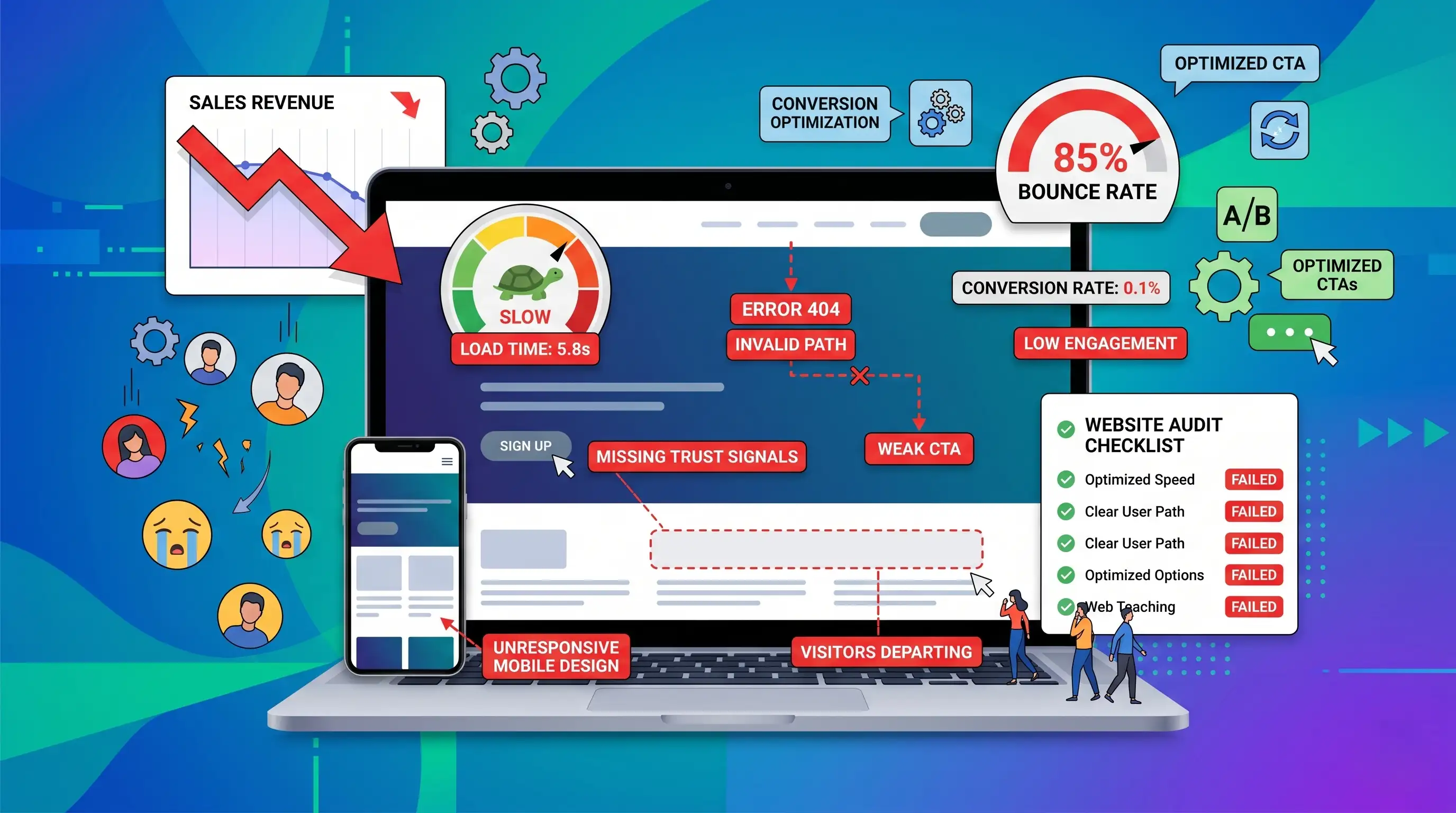
You are getting visitors to your website. People are clicking through from Google, social media, or word of mouth. But sales and enquiries are not matching that traffic.
On the surface, your website may look fine. But a website does not need to be completely broken to lose sales.
Small mistakes like slow loading speed, confusing navigation, weak calls-to-action, or missing testimonials can quietly push visitors away before they ever contact you.
These problems are not always obvious. They simply make it harder for visitors to trust your business, understand your offer, or take action.
This article explains seven common website mistakes that reduce sales and how to fix them.
The biggest website mistakes that reduce sales are slow speed, poor mobile experience, weak calls-to-action, confusing navigation, lack of trust signals, poor copywriting, and missing SEO optimization.
Each mistake creates friction in the customer journey.
Some mistakes stop visitors from finding your website. Some stop them from trusting your business. Others stop them from taking action.
Even one or two of these mistakes can send potential customers to a competitor.
Visitors expect websites to load quickly.
If your website takes too long to load, many visitors leave before they even see your products, services, or offer.
Customers usually do not wait. They press back, close the page, or choose another business.
A slow website creates frustration before trust is even built.
An online store may have beautiful product photos, but if those images are too large and slow to load, visitors may leave before browsing the products.
This means the business loses potential sales even though the design looks good.
Many visitors browse websites from mobile phones.
If your website is difficult to use on a phone, you may lose a large share of potential customers.
Visitors may struggle to tap buttons, read content, open menus, or fill out forms.
If the mobile experience feels difficult, they leave.
A fitness studio may have a good desktop website, but if the booking button is hidden or cut off on mobile, users may never complete the booking.
A call-to-action tells visitors what to do next.
If your website does not clearly guide visitors, they may leave without contacting you, even if they are interested.
Visitors may read your content, understand your service, and still take no action because the next step is not obvious.
A service business may explain its services well but only have a small contact link in the footer.
After adding clear buttons like "Get a Free Quote" and "Contact Us Today", enquiries can improve.
Visitors should be able to find important information quickly.
If your navigation is confusing, visitors may not find your services, pricing, contact page, or proof of work.
They click around for a short time, feel confused, and leave.
Most visitors will not spend effort trying to understand a confusing website.
A manufacturing company may use menu labels like "Solutions" or "Capabilities" instead of clear labels like "Products", "Services", and "Contact".
Clear labels help customers move faster.
People do not buy from businesses they do not trust.
If your website does not show reviews, testimonials, case studies, or proof of work, visitors may hesitate.
They may leave to check reviews elsewhere or compare you with competitors.
If they cannot quickly verify your credibility, they may not return.
A consultant may have strong experience but no testimonials on the website.
Adding client feedback, project examples, or results can help visitors feel safer reaching out.
Your website copy should help visitors understand the problem you solve and why they should choose you.
If your content is too vague, too technical, or focused only on your company, visitors may lose interest.
They skim the page, feel confused, and leave without fully understanding your value.
A software company may describe features using technical words that customers do not understand.
When the content is rewritten in simple, benefit-focused language, visitors understand the value faster.
Even a strong website cannot generate sales if people cannot find it.
Without SEO, your website depends mostly on referrals, direct visits, or paid traffic.
Customers do not reach your website at all.
Instead, they find competitors who appear in Google search results.
A home renovation business may have a good-looking website, but if it is not optimized for searches like "home renovation services in Chennai", new customers may never find it.
Slow speed causes visitors to leave before they see your offer.
Fix: Compress images, improve hosting, and reduce unnecessary scripts.
A poor mobile experience makes it difficult for phone users to browse, contact, or buy.
Fix: Design mobile-first and test all important actions on real devices.
Weak CTAs leave interested visitors unsure about what to do next.
Fix: Use clear, specific, repeated CTAs such as "Get a Free Quote" or "Contact Us Today".
Confusing menus make it difficult for visitors to find key information.
Fix: Simplify your menu and use clear labels like Services, Pricing, Portfolio, and Contact.
Missing proof makes visitors hesitate before contacting you.
Fix: Add testimonials, reviews, case studies, certifications, and portfolio examples.
Poor copy makes your offer difficult to understand.
Fix: Focus on customer problems, clear benefits, and simple language.
Without SEO, potential customers may never find your website.
Fix: Target relevant service and location keywords, and optimize key pages.
Use this simple audit process:
1. Check your page speed on mobile and desktop.
2. Browse your own website on your phone.
3. Try to complete a typical customer action.
4. Review whether your CTAs are clear and visible.
5. Test whether key pages are easy to find.
6. Check whether testimonials or proof are visible.
7. Read your homepage copy and see if it focuses on customer problems.
8. Review your SEO basics and target keywords.
This helps you find where visitors may be dropping off.
Not every website mistake requires a full redesign.
Some problems, such as weak CTAs or missing testimonials, can be fixed quickly.
But a full redesign may be needed if:
If patchwork fixes are not enough, a structured redesign may be the better long-term solution.
SEO, UX, and conversion optimization are connected.
A website with SEO but poor UX may get traffic that does not convert.
A website with good design but no SEO may look great but get very few visitors.
True growth comes when SEO, UX, and conversion strategy work together.
Most websites do not lose sales because of one major failure.
They lose sales because of small frictions that add up over time.
A slow page, confusing menu, weak CTA, missing testimonial, or poor SEO setup can be enough to make visitors leave.
The good news is that these mistakes are fixable.
Start with the audit checklist, identify the biggest friction points, and fix them one by one.
If you have found several of these mistakes on your own website and are not sure where to start, Drovixx can help.
We help small businesses, service providers, and ecommerce brands improve websites through targeted fixes, redesigns, SEO, and conversion-focused development.
Contact Drovixx to improve your website and turn more visitors into leads or sales.
Slow website speed, poor mobile experience, and weak calls-to-action are some of the most common mistakes that reduce sales.
Yes. Small issues like unclear buttons, missing testimonials, or slow loading can quietly reduce conversions.
Not always. Some issues can be fixed individually. A redesign is needed when multiple problems affect the whole website.
Open your website on a real phone and try to complete a customer action like filling a form or finding contact details.
SEO helps potential customers find your website when they search for your products or services.
Testimonials are very important because they build trust and reduce hesitation.
Start by improving your CTA and mobile experience. These are often quick fixes with strong impact.
Drovixx can audit your website, identify sales-reducing mistakes, and improve your design, SEO, speed, and conversion flow.
DROVIXX helps businesses build professional websites, improve Google visibility through SEO, and develop modern mobile applications.
Explore more insights from DROVIXX about business growth, websites, SEO, and app development.
Discover why your website is not getting leads or enquiries, and learn practical fixes that turn visitors into customers.
Read Article →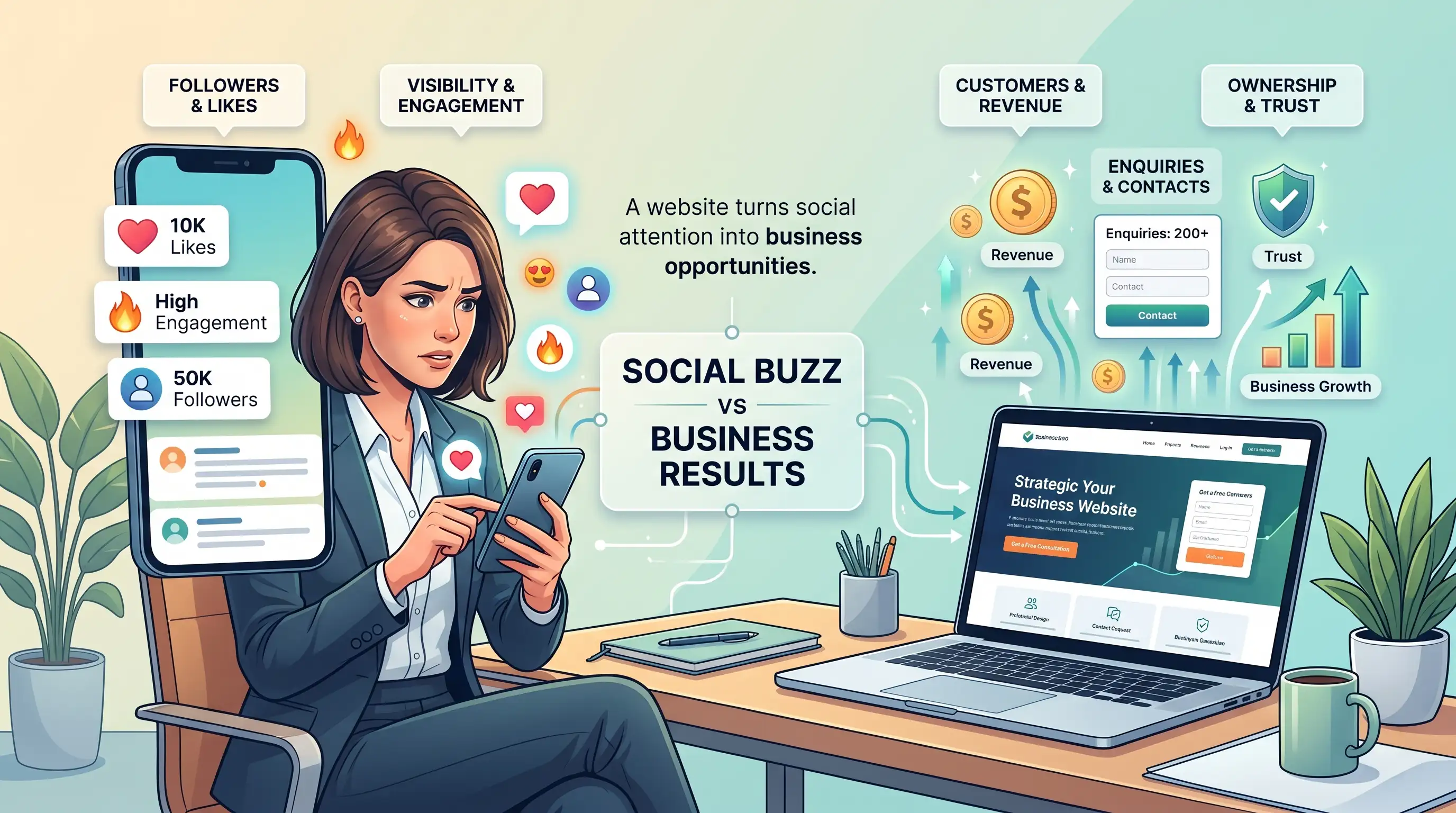
Social media helps you connect with customers, but it has real limits. Learn why your business still needs a website for trust, leads, and growth.
Read Article →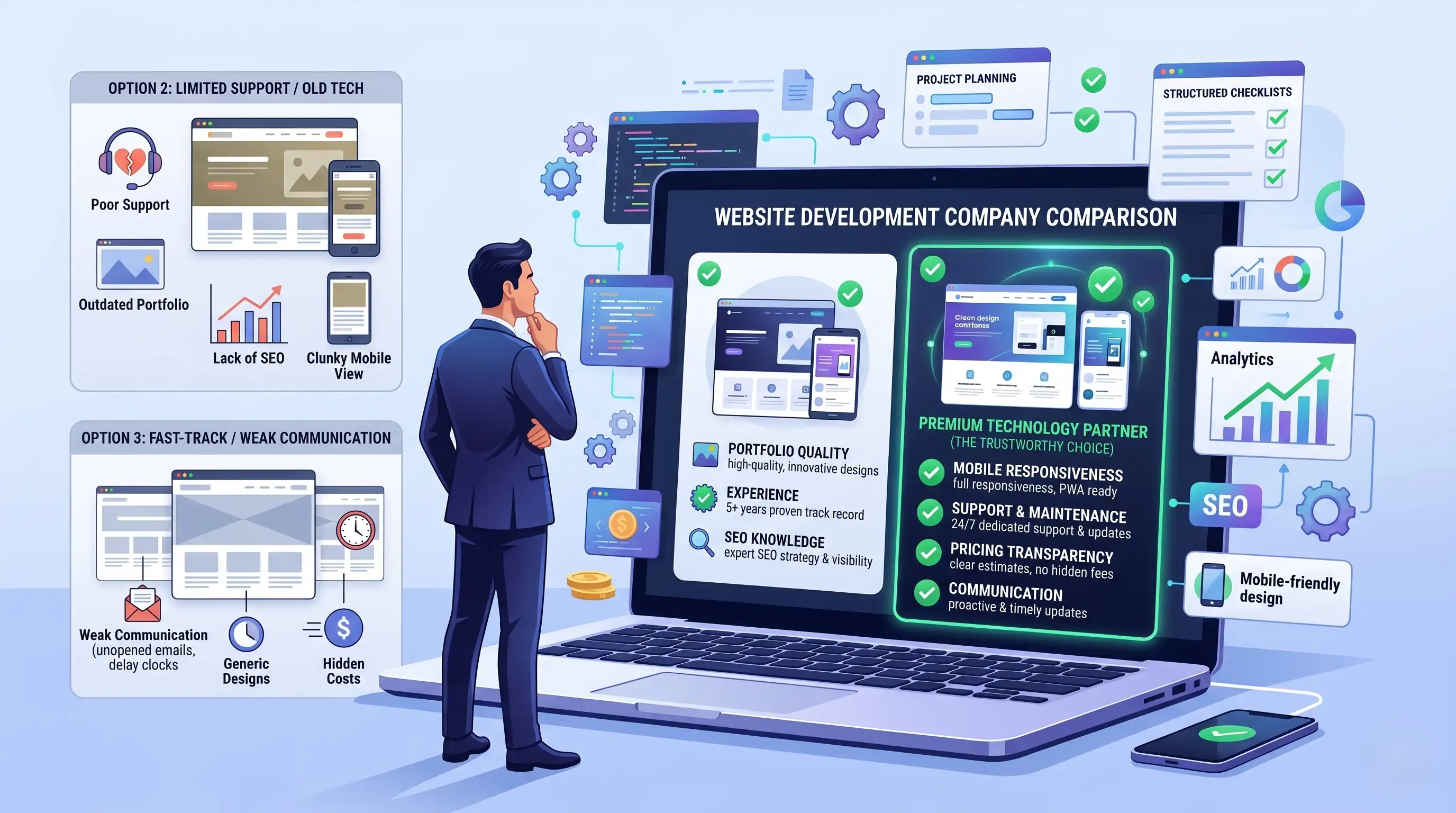
Not sure how to pick a website development company? Use this practical checklist, key questions, and red flags to avoid before you hire.
Read Article →